Zapier Alternative with EU Hosting: Moving to n8n on Servers in Germany (2026)
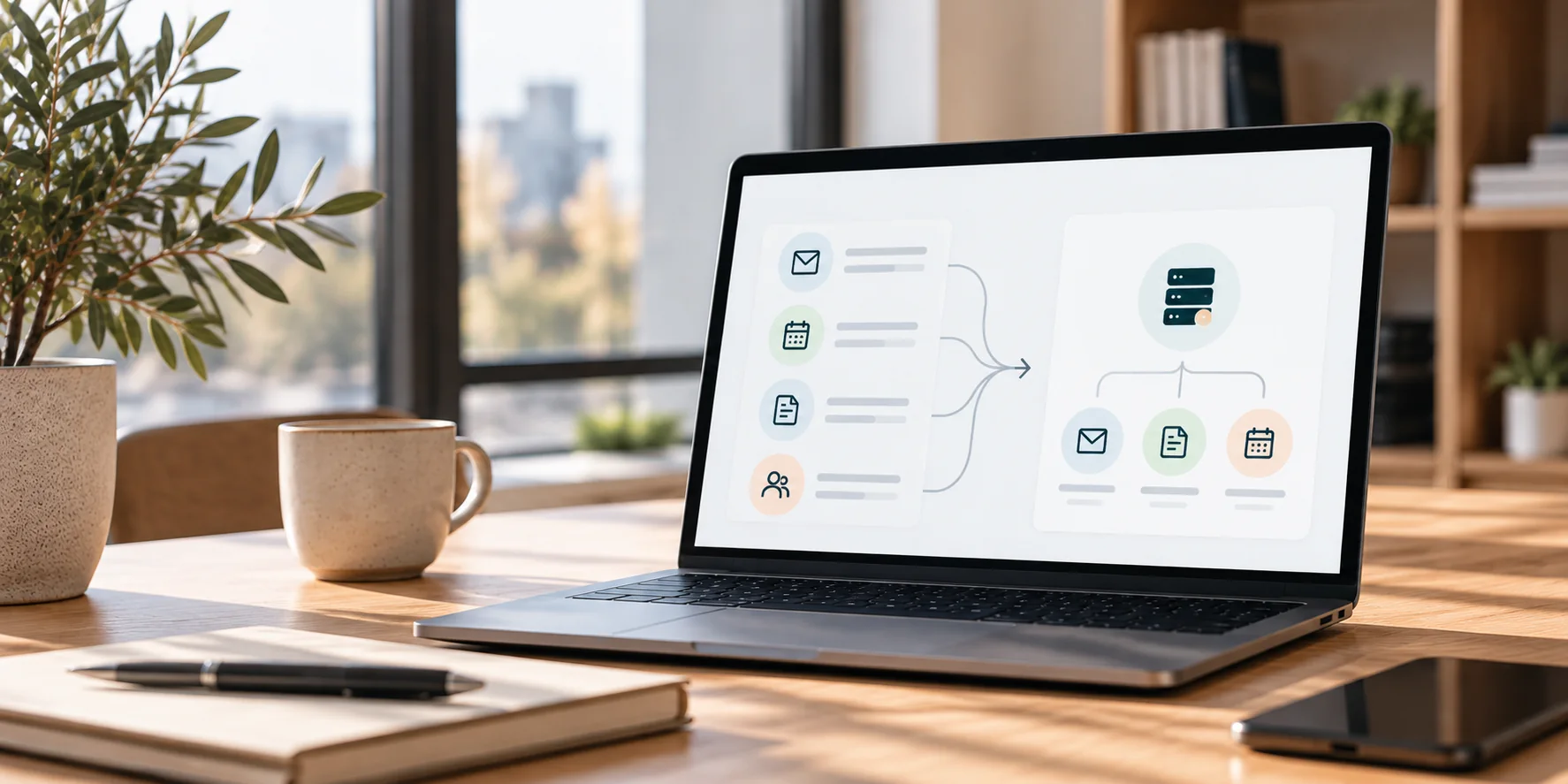
Why businesses move their Zapier workflows to n8n on EU servers, when the switch is not worth it – and how the migration works step by step, including costs and common pitfalls.
Zapier Alternative with EU Hosting: Moving to n8n on Servers in Germany
Zapier has made it easy for many businesses to get started with automation. A form here, a notification there – and suddenly thirty workflows are running. At some point two questions come up: where is all this customer data actually stored? And why does the bill keep growing every month?
In this article I show when a move to n8n on a server in the EU makes sense, when it doesn't – and how the migration works without losing anything in your day-to-day business.
Why businesses move away from Zapier
1. Data outside the EU
Zapier is a US company, and your data runs through its infrastructure. Legally, that is possible with the right contracts – Zapier is not "forbidden". But every customer enquiry, every order and every job application that runs through a Zap leaves the EU.
For many businesses this becomes an issue at the latest when:
- customer data or job applications are processed,
- customers or clients ask where their data is stored,
- the data protection officer has to assess every new connection individually.
With n8n on a server in Germany, the question no longer arises: the data stays in your infrastructure.
2. Cost per step
Zapier bills every single step of a workflow. A Zap with five steps uses five units every time it runs. With self-hosted n8n you pay no fee per execution – only the server and the maintenance.
3. The limits of a no-code builder
Nested conditions, loops, custom data processing and proper error handling are possible in Zapier, but quickly become hard to follow. In n8n they can be built directly.
When the switch is not worth it
To be honest: not always.
- A few simple workflows: two or three Zaps with low volume and no personal data – the migration costs more than it saves.
- Rare apps: if your workflow depends on an application that has no ready-made n8n integration, the connection has to be built through its API. That almost always works, but takes time.
- Nobody takes care of it: your own server needs updates, backups and monitoring. If nobody handles that, a hosted service is the better choice.
n8n on EU servers: in your own account
n8n is developed by a company based in Berlin and can be self-hosted, for example on a server with a German hosting provider. There is also a cloud version; if you choose it, check the hosting location in advance.
What matters most is who owns the instance. I always recommend: the server and n8n run in your own account, with your own data processing agreement with the hosting provider. I set everything up and maintain it. That way the data and all workflows belong to you – even if we stop working together one day.
The migration in 5 steps
There is no automatic import from Zapier to n8n. Every workflow is rebuilt. That sounds like a lot of work, but it is also an opportunity: ten Zaps that grew over time often become one clear workflow.
1. Inventory
All active Zaps are listed: what triggers them, what they do, how often they run, which data is involved. This usually reveals that some Zaps no longer run at all and others do the same thing twice.
2. Sorting and consolidating
Most Zaps are simple – one trigger, one action. They are migrated first. More complex workflows with conditions and several steps follow. Zaps that belong together are combined into one workflow.
3. Rebuilding in n8n
Each workflow is rebuilt in n8n and tested with real data. Something many Zaps lack is added along the way: error handling that notifies you when something goes wrong.
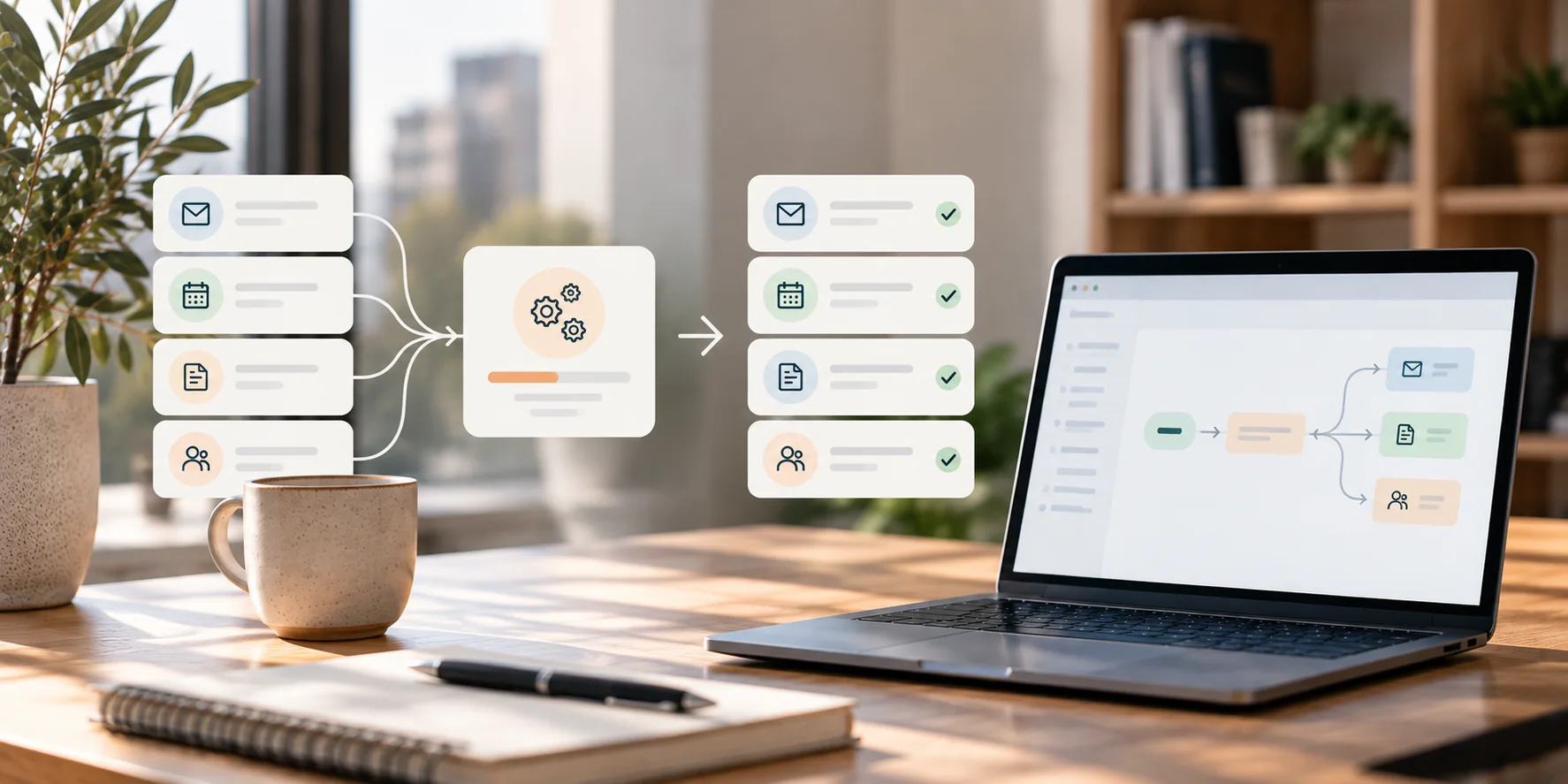
Illustrative overview of a workflow migration from Zapier to n8n.
4. Running in parallel
The old and the new workflow run side by side for at least a week. The results are compared. Only when the new workflow demonstrably runs cleanly do we switch over.
5. Switching over, with a fallback
The Zaps are paused – not deleted. A way back stays open for about 30 days. After that, the Zapier subscription can be cancelled. You receive documentation for every workflow.
Common pitfalls
- Paths and filters: Zapier "Paths" become IF or Switch nodes in n8n. The logic is the same, the data structure behind it is not – this is where most errors happen.
- Formatting: what Zapier does with "Formatter" steps needs separate nodes or a little code in n8n.
- Dates and time zones: Zapier silently converts a lot; n8n is more precise. Always test date fields with real data.
- Too fast: n8n often runs faster than Zapier. That can hit rate limits of other services, for example spreadsheets or payment providers. Then pauses are built in.
- Credentials: every connection (Google, CRM, e-mail) has to be re-authorised – ideally with accounts owned by your company, not by individual employees.
What does the migration cost?
- Migration: a fixed price after the inventory, with me from €900. The price depends on the number and complexity of the workflows.
- Running costs: your own server in the EU usually costs a low double-digit amount per month – regardless of how often your workflows run.
- Maintenance: updates, backups, monitoring and changes – optionally as a monthly maintenance plan.
Whether the switch pays off for you can be calculated concretely after the inventory: your current Zapier costs against the server, maintenance and the one-off migration.
Frequently asked questions
Isn't Zapier GDPR-compliant? Zapier can be used lawfully with the right contracts. But the data runs through a US provider. If you want or need to keep data in the EU, a self-hosted solution on an EU server is the safe option.
Will my team notice the migration? Ideally not. The workflows keep running in the background as before – just on a server in the EU.
Do I need to know how to use n8n? No. I set everything up, document it and, if you like, take over the maintenance.
What about Make? Make is a European provider. Moving from Make to n8n is usually worth it for cost or control reasons rather than data location. The migration process is the same.
Conclusion
Moving from Zapier to n8n on an EU server is worth it above all when personal data is involved, many workflows are running, or costs rise with every new step. With an inventory, parallel running and a fallback plan, nothing gets lost – and in the end, the data and the workflows belong to you.
More: Booking & Automation Systems · Further reading: AI assistant for enquiries with n8n
Want to know whether switching is worth it for your Zaps? Contact
Need support with your website?
I help with WordPress fixes, technical SEO, automation and booking systems — pragmatic, without unnecessary overhead.
Get in touchGet in touch